Open official ZIP or JSON exports
ScrollArc supports official ChatGPT and Claude account exports. Archive inspection and conversation conversion happen on your device.
SCROLLARC
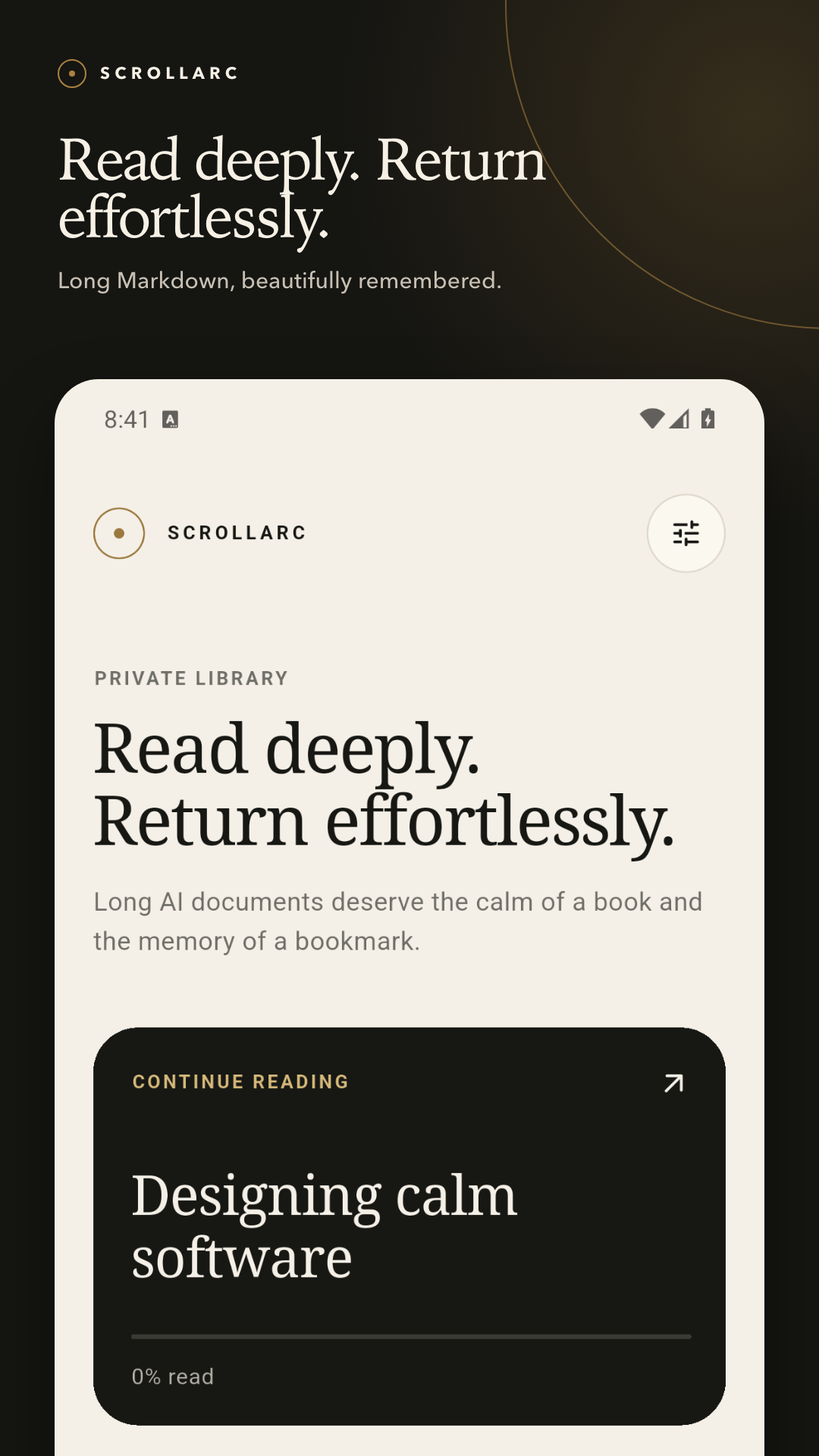
Pick up today’s reading where you left off. See what changed since the last import. Import official exports as Markdown, alongside your .md files and public repositories on GitHub, GitLab, and Bitbucket.
No ads
No account
No Markdown-text upload
No AI analysis
From export to library
ScrollArc supports official ChatGPT and Claude account exports. Archive inspection and conversation conversion happen on your device.
See the conversation list first, then select only the threads you want to read again. A large account history does not have to become a cluttered library.
Selected conversations become readable Markdown documents in ScrollArc’s on-device library. The original export file is left unchanged.
Return without searching
ScrollArc is built around returning to context. Close a document, import a newer copy, or come back tomorrow—the reading trail remains useful.
Open a recent document from Home and resume at its saved on-device position. Progress stays separate for every document.
Scan headings and search within the document to move through long conversations containing tables, code, and diagrams.
Keep important passages and exact return points on-device. Creating new annotations is a Plus feature. Existing annotations remain readable, navigable, and removable after a subscription ends.
Re-import the same conversation or public-repository document to review changes from the previous local copy. Restoring an older version keeps the current one in local history.
Built for AI output
Regular Markdown files and shared text are welcome too. ScrollArc keeps the structures common in long AI conversations readable without sending you back to raw source.
01
Read tables, task lists, quotes, and links with GitHub Flavored Markdown support. Code is syntax-highlighted by language, and math renders within the document.
02
Open a diagram full-screen, then pinch, pan, double-tap, or reset the view when details need more room.
03
Save the original Markdown source. Plus also creates PDF and self-contained HTML on-device, ready for a destination or share sheet you choose.
04
Browse a public repository by URL and add only the selected Markdown file to your local library.
ScrollArc Plus
ScrollArc Plus is an auto-renewing monthly or yearly subscription. There is no free trial or introductory discount. Check the in-app store display for purchase availability and localized pricing.
These are US reference prices. The localized price, currency, and applicable tax treatment shown by your store inside the App control.
Included for free
AI-export and public GitHub, GitLab, and Bitbucket import, Continue Reading, Reading Map, search, GFM, code, math, Mermaid, and Markdown source export.
Added with Plus
No document limit, version history, diff and restore, connected private repositories, PDF and HTML export, and creation of new highlights and bookmarks. Documents and annotations remain on-device.